

Why One-Way Interviews Feel So Weird (and Why They Matter)
One-way video interviews—also known as asynchronous interviews—are quickly becoming the default first step in modern hiring. Instead of speaking directly with a recruiter, you’re asked to record answers to pre-set questions, often with a countdown timer quietly adding pressure in the corner of your screen.
It feels unnatural for a reason. There’s no feedback, no nodding interviewer, no small talk to ease into the conversation. You don’t get the chance to clarify a question or recover smoothly if your answer goes off track. For many candidates, that lack of interaction makes the experience feel more like performing than communicating.
But from a company’s perspective, this format makes perfect sense. One-way interviews save time, create a standardized evaluation process, and are often paired with AI tools that analyze responses at scale. These systems may assess not just what you say, but how you say it—looking at clarity, structure, pacing, and even confidence.
The key shift to understand is this: you’re no longer just speaking to a human. You’re presenting in a format designed for both human review and algorithmic evaluation.
The good news? Once you understand the mechanics behind it, this type of interview becomes surprisingly manageable. With the right preparation, clear structure, and a bit of practice, you can consistently deliver answers that feel confident, focused, and well put together—even without real-time interaction.

How One-Way Video Interviews Actually Work
Most candidates underestimate how these interviews actually function—and that misunderstanding often costs them the opportunity.
In a typical one-way video interview, you’re presented with a set of pre-recorded or text-based questions. For each question, the system usually gives you a short preparation window, often between 30 to 90 seconds, followed by a limited recording time of around 1 to 3 minutes. In some cases, you only get one attempt, which means there’s very little room for error or second-guessing.
Behind the scenes, the process is often more technical than it appears. Many companies integrate AI tools into their hiring platforms to scale evaluation. These systems can transcribe your answers, scan for relevant keywords tied to the role, and assess how well your response is structured. Some tools also evaluate delivery factors such as tone, pacing, and overall confidence.
This means your answer isn’t just being watched—it’s being analyzed from multiple angles.
What Recruiters Are Really Looking For
Even with AI playing a role, the core expectations haven’t changed as much as people think. Employers are still focused on a few key fundamentals: clear communication, structured thinking, relevant examples, and confidence that feels natural rather than rehearsed.
The major difference is that one-way interviews remove much of the human bias in early screening stages. There’s no small talk, no personality-driven influence, and fewer opportunities to “win someone over” with charm alone. As a result, the quality of your answers carries more weight than ever. How clearly and effectively you communicate your experience can make the difference between moving forward or getting filtered out early.
The Biggest Mistakes Candidates Make
Most candidates don’t fail one-way video interviews because they lack qualifications—they fail because they treat this format like a traditional, live conversation. Without an interviewer guiding the flow, small mistakes become amplified, and weak answers are much more obvious.
Here are the most common mistakes that quietly hurt performance:
Mistake 1 — Rambling Without Structure
Without someone actively responding or asking follow-up questions, it’s surprisingly easy to lose direction mid-answer. Many candidates start strong but drift into unrelated details, repeat themselves, or struggle to land a clear point. This lack of structure doesn’t just confuse human reviewers—it also makes it harder for AI systems to identify relevant keywords and logical flow, which can lower your overall evaluation.
Mistake 2 — Over-Rehearsing
Preparation is important, but overdoing it can backfire. Candidates who memorize answers often sound stiff, unnatural, or disconnected from what they’re saying. Both recruiters and AI systems are increasingly good at detecting this kind of delivery. Instead of sounding confident, overly rehearsed responses can feel robotic, making it harder to demonstrate genuine communication skills or adaptability.
Mistake 3 — Ignoring the Time Limit
Time management is one of the most overlooked factors. Many candidates either rush through answers without enough detail or run out of time before finishing their main point. Neither works. Strong answers are concise but complete, with a clear beginning, middle, and end—all delivered within the given time frame.
Instead of guessing what works, tools like Sensei AI can help by listening to interview questions in real time and generating structured answers based on your resume and role. This gives you a clearer benchmark for how effective responses should be organized and delivered under pressure.
Try Sensei AI for Free
A Simple Framework That Works for Almost Any Question
If you only remember one thing from this article, make it this: use structure—every single time you answer a question.
In one-way video interviews, structure isn’t just helpful, it’s essential. Without it, your answer can quickly become unclear or unfocused, especially under time pressure. A well-structured response helps both human reviewers and AI systems quickly understand your thinking, identify key points, and evaluate your relevance to the role.
One of the most reliable frameworks you can use is the STAR method:
Situation: Provide brief context so the listener understands the scenario
Task: Explain what needed to be done or what challenge you faced
Action: Describe the specific steps you took
Result: Share the outcome, ideally with measurable impact
This format forces clarity. It prevents rambling, keeps your answer organized, and ensures you actually answer the question being asked. More importantly, it makes your response easy to follow and easy to evaluate—two things that matter a lot in asynchronous interviews.
Example Answer Breakdown
Question: “Tell me about a time you solved a difficult problem.”
Situation: “In my previous role, our team noticed a sudden drop in user engagement over a two-week period…”
Task: “I was responsible for identifying the root cause and recommending a solution to improve retention…”
Action: “I analyzed user behavior data, conducted quick user interviews, and identified a key friction point in the onboarding flow. I then worked with the design team to simplify the process…”
Result: “Within one month of implementing the changes, user engagement increased by 25%, and early drop-off rates decreased significantly.”
Clear. Concise. Scannable. And most importantly—effective.
How to Practice Without a Real Interviewer
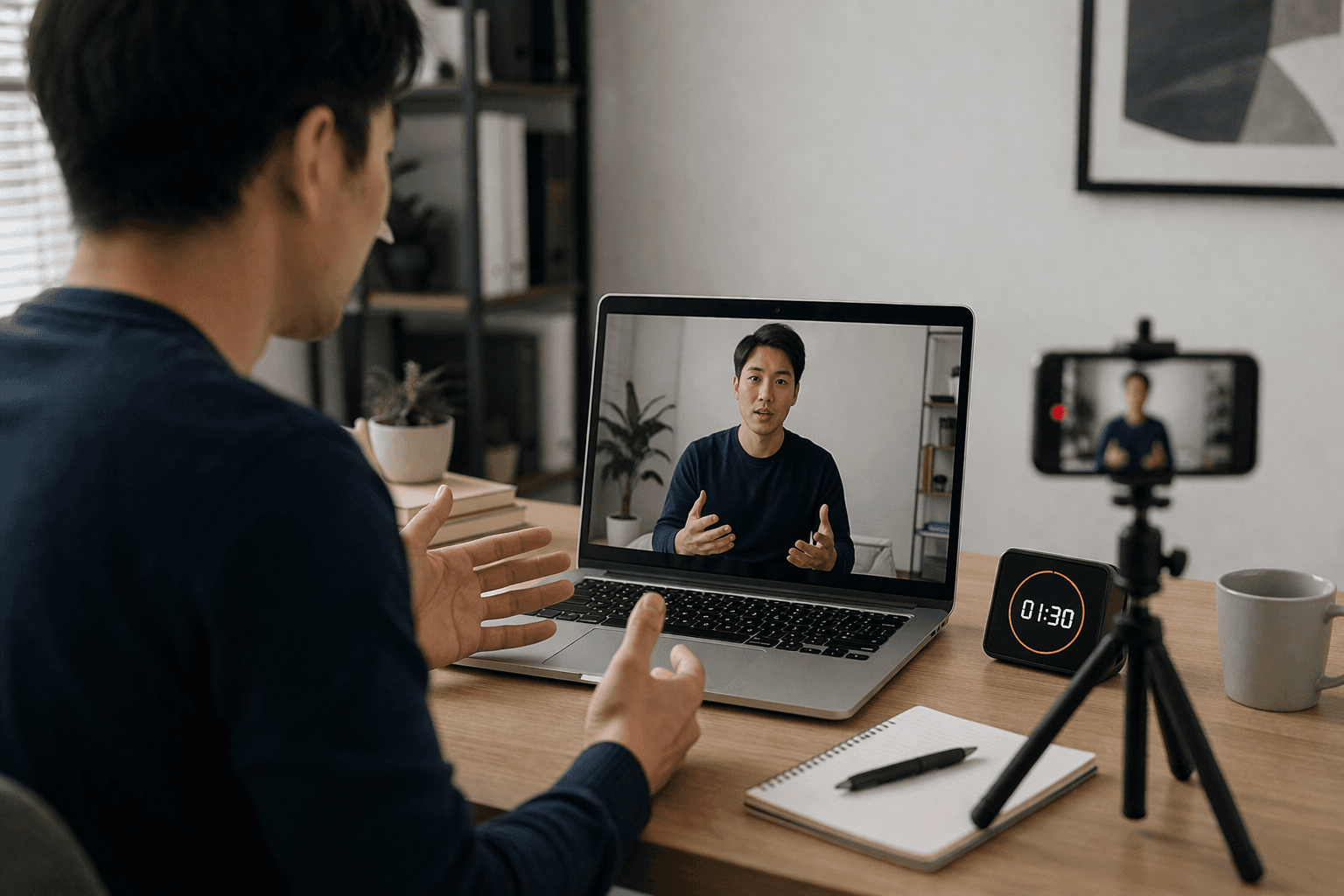
Practicing for a one-way video interview is fundamentally different from preparing for a live conversation. There’s no back-and-forth, no real-time feedback, and no interviewer to guide you if you lose direction. That’s exactly why traditional practice methods often fall short.
To improve effectively, you need to simulate the actual conditions as closely as possible. The goal isn’t just to “practice answers,” but to practice delivering them clearly, confidently, and within constraints.
Here’s what actually works:
Record Yourself
Start simple. Use your laptop or phone to record your answers to common interview questions. When you watch the playback, focus on how you come across rather than just what you said. Pay attention to clarity, pacing, and filler words like “um” or “uh.” This helps you catch habits that you wouldn’t notice in real time.
Simulate Real Constraints
One of the biggest mistakes candidates make is practicing without pressure. In a real one-way interview, you won’t have unlimited time or multiple retries. Set a timer for both preparation and answering, and limit yourself to a single take. This forces you to think quickly, stay structured, and deliver under realistic conditions.
Use AI for Feedback
Practicing alone makes it hard to judge whether your answers are actually strong. Instead of relying on guesswork, you can use tools like Sensei AI’s AI Playground to generate interview questions and refine your responses. It’s a simple, text-based way to experiment with different answer structures, improve clarity, and build confidence before facing the real interview.
Practice with Sensei AI
How to Use AI (Smartly) During One-Way Interviews
AI can absolutely give you an edge in one-way video interviews—but only if you use it strategically. Relying on it too much can make your answers feel unnatural, while ignoring it completely means missing out on a powerful advantage.
Here’s how to use AI the right way at each stage:
Before the Interview
Preparation is where AI can be most helpful. Start by researching common interview questions for your role and industry. Then, use AI tools to explore different ways to structure your answers rather than memorizing them. Focus on building flexible response frameworks and tailoring your examples to match the job description. This ensures your answers feel relevant and specific instead of generic.
During the Interview
When it’s time to record your answers, your priority should be delivery. Stay natural and avoid reading directly from a script, as this can hurt both clarity and credibility. Focus on pacing your response, speaking clearly, and sticking to a structured format. The goal is to sound confident and composed while still being easy to follow.
After the Interview
Improvement doesn’t stop after submission. If recordings are available, review them critically. Look for moments where your answers felt unclear, rushed, or incomplete. Identifying patterns in your mistakes allows you to refine your approach and perform better in future rounds.
Some candidates also use real-time support tools like Sensei AI, which can detect interviewer questions and generate tailored responses instantly based on your resume. This can help reduce pressure and improve answer quality, especially when you’re working within strict time limits.
Try Sensei AI Now!
Setup Matters More Than You Think
Your environment plays a bigger role than most candidates expect. In a one-way video interview, there’s no live interaction to balance things out—so everything the reviewer sees and hears comes directly from your setup. Even strong answers can feel less convincing if the lighting is poor, the audio is unclear, or the background is distracting.
The good news is that you don’t need a professional studio. Small, intentional adjustments can significantly improve how polished and credible you appear on screen. Think of your setup as part of your communication—it supports your message and helps you come across as prepared and detail-oriented.
Quick Setup Checklist
Element | What to Do |
|---|---|
Lighting | Face a window or use soft front lighting to clearly illuminate your face |
Camera | Position at eye level and keep it stable to maintain natural framing |
Background | Choose a clean, uncluttered space with minimal distractions |
Audio | Use a quiet environment and ensure your voice is clear without echo |
Internet | Check your connection beforehand to avoid interruptions or lag |
These details might seem minor, but they directly influence first impressions. A clean setup signals professionalism, while a messy or poorly lit environment can distract from even the best answers.
Treat It Like a Skill, Not a Test
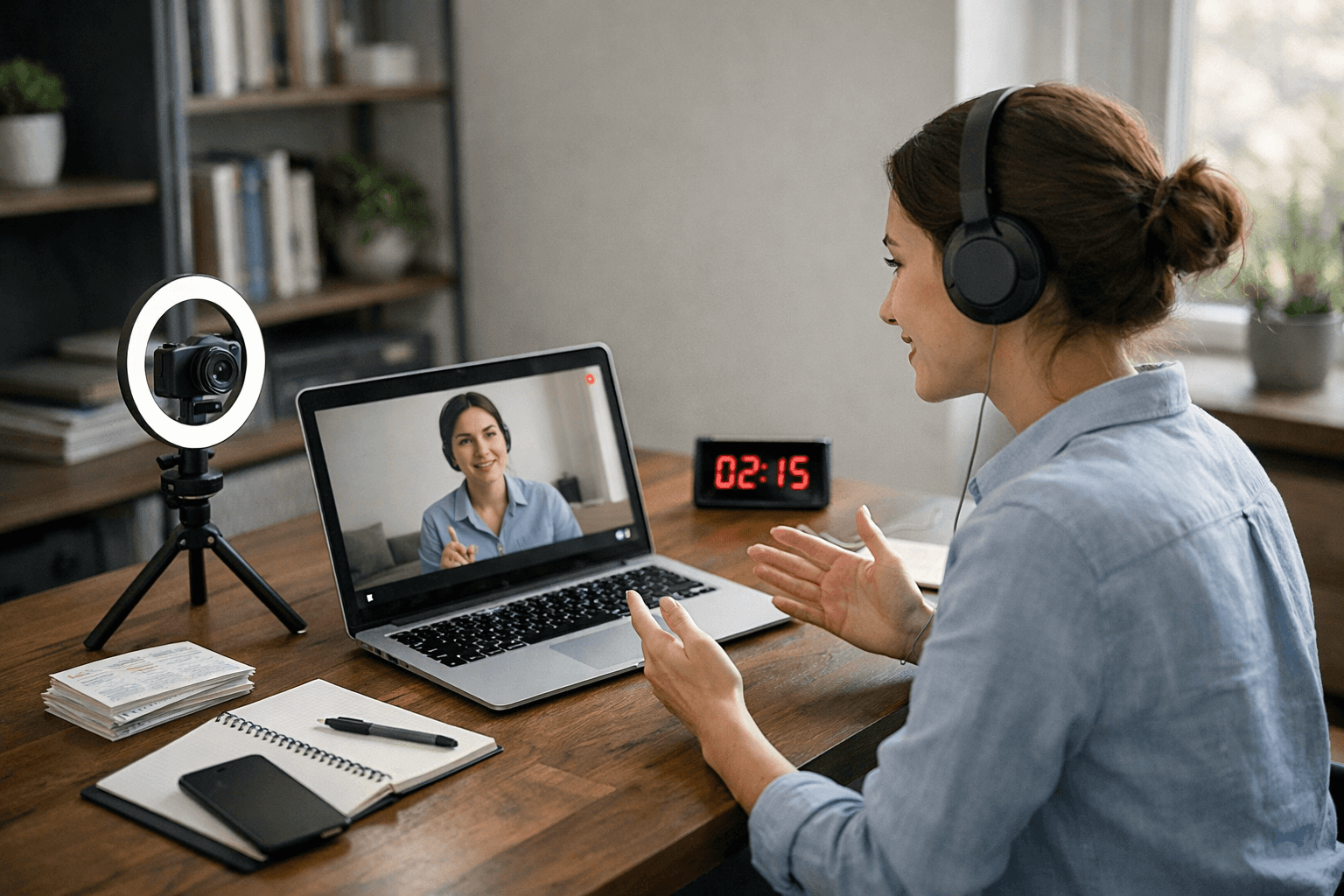
One-way video interviews aren’t a temporary trend—they’re becoming a standard part of how companies scale hiring, especially as AI continues to play a bigger role in screening candidates. Ignoring this format or treating it casually is no longer an option if you want to stay competitive.
The candidates who consistently perform well aren’t always the most experienced or the most naturally confident. They’re the ones who understand the format and prepare specifically for it. They know how to structure their answers, manage time effectively, and present themselves clearly without relying on real-time interaction.
The biggest mindset shift is this: don’t treat a one-way interview like a one-time test. Treat it like a skill. Something you can practice, refine, and improve with each attempt.
Focus on building clear, structured responses. Work on your delivery so it feels natural but controlled. Use available tools to support your preparation and identify weak points.
When you approach it this way, each interview becomes less stressful and more predictable. Over time, you’ll not only get better—you’ll start outperforming candidates who are still trying to “wing it” without a system.
Key Differences Between Weak and Strong Approaches
To make your preparation for one-way interviews more effective—and to give both readers and search engines a clear visual summary—here’s a structured comparison of weak vs strong approaches across the main elements of your answers. This table highlights what tends to fail versus what actually works in real interviews.
Interview Element | Weak Approach | Strong Approach |
|---|---|---|
Answer Structure | Rambling, unfocused | Clear framework (STAR: Situation, Task, Action, Result) |
Delivery | Robotic, unnatural | Natural, conversational, confident |
Preparation | Memorization, rigid | Flexible examples tailored to role |
Time Management | Runs out of time, rushed | Controlled pacing, concise |
Use of AI | None or over-reliance | Strategic support, enhances clarity and structure |
How to Use This Table
Review each element before you practice your answers.
Compare your current style to the “Strong Approach” column.
Adjust your prep to match the stronger practices—this improves performance for both human reviewers and AI analysis systems.
Combine with a framework like STAR for answers, and consider tools like Sensei AI for structured, real-time guidance during practice and preparation.
This table not only clarifies expectations but also gives a quick reference for readers trying to improve their one-way interview performance. It’s an easy visual way to remember what makes an answer effective versus what can hurt your chances.
FAQs
How to pass AI video interviews?
Passing AI video interviews requires a combination of preparation, structure, and awareness of what AI systems evaluate:
Structure your answers using frameworks like STAR (Situation, Task, Action, Result) to keep responses clear and concise.
Speak naturally with controlled pacing; avoid robotic or overly rehearsed delivery.
Highlight relevant keywords subtly from the job description—AI tools often scan for them.
Practice under time constraints similar to the interview, ensuring you complete answers within the allowed window.
Leverage AI support tools for practice, such as text-based simulators to refine clarity and structure before the real interview.
Do one-way interviews use AI?
Yes, many one-way (asynchronous) interviews integrate AI at different stages:
Transcription & keyword analysis: AI scans your answers for relevant skills and experiences.
Behavioral evaluation: Some systems measure confidence, tone, pacing, and clarity.
Initial screening: AI can filter candidates for recruiter review, reducing bias but increasing the importance of structured, high-quality answers.
Despite AI involvement, human recruiters still review top candidates, so preparation is essential.
What is the 30 60 90 rule in interview?
The 30-60-90 rule is a framework to demonstrate your short-term and long-term impact in a new role:
First 30 days: Focus on learning and understanding processes, team, and responsibilities.
Next 60 days: Begin contributing to projects, applying knowledge, and improving efficiency.
Final 90 days: Take ownership of measurable outcomes, show results, and suggest optimizations.
Sharing a clear 30-60-90 plan during interviews shows planning ability and readiness to hit the ground running.
How to beat the HireVue AI?
HireVue AI and similar platforms analyze both content and delivery. To perform well:
Use structured answers (STAR or other frameworks) to make your responses scannable.
Practice timing to ensure answers fit within the allotted window.
Be natural, not memorized—AI detects robotic delivery.
Prepare for common questions and use role-specific examples.
Optionally, practice using AI tools for feedback to refine clarity, tone, and keyword relevance.

Shin Yang
Shin Yang is a growth strategist at Sensei AI, focusing on SEO optimization, market expansion, and customer support. He uses his expertise in digital marketing to improve visibility and user engagement, helping job seekers make the most of Sensei AI's real-time interview assistance. His work ensures that candidates have a smoother experience navigating the job application process.
Learn More
Tutorial Series: Introducing Our New Chrome Extension Listener
One-Way Video Interview AI Tips: How to Stand Out When There’s No One Watching
What Happens If You Use AI in a Job Interview? (Risks, Reality, and Smart Ways to Do It Right)
Interviewing in 2026: What Candidates Actually Need to Know to Get Hired
Asynchronous Interview Tools 2026: The Smart Way to Hire and Get Hired Faster
Can Interviewers Detect AI Answers in 2026? The Reality
What Is a Good ATS Score for a Resume? (And How to Actually Improve It)
Fractional Leadership: The Smart Way to Scale Expertise Without Full-Time Costs
Skills-Based Hiring: Why Your Degree Matters Less Than Your Skills in 2026
STAR Method 2.0: Upgrade Your Interview Answers with Precision
Sensei AI
hi@senseicopilot.com