
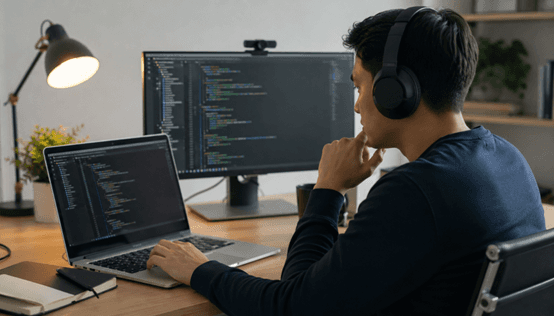
Why Coding Assessments Feel More Intense Than Ever 😅
You log into a coding assessment expecting a few algorithm questions, maybe a debugging challenge, and a quick technical discussion. Instead, the experience suddenly feels far more intense than anticipated. Your webcam is active, your browser permissions are checked, warnings appear about tab switching, and every movement starts to feel important. For many candidates, modern coding interviews no longer feel like simple tests of programming ability. They feel heavily monitored from the moment the session begins.
That shift did not happen by accident. After remote hiring rapidly expanded worldwide after 2020, companies needed better ways to evaluate candidates outside of physical offices. Traditional in-person supervision disappeared almost overnight, and technical hiring platforms responded by adding more advanced assessment tools. Today, many coding assessments go beyond screen recording and webcam verification. Some platforms now evaluate behavioral signals, workflow consistency, communication patterns, copy-paste activity, and even how candidates approach problem-solving under pressure.
Still, this article is not meant to make the process feel more intimidating. In many cases, candidates become more anxious simply because they do not know what is actually being monitored. The reality is that most companies are not expecting robotic perfection. They are usually looking for consistency, honesty, and clear thinking during the assessment process.
Understanding what platforms monitor can actually make interviews feel less stressful — because most of these signals are designed to detect consistency, not perfection.
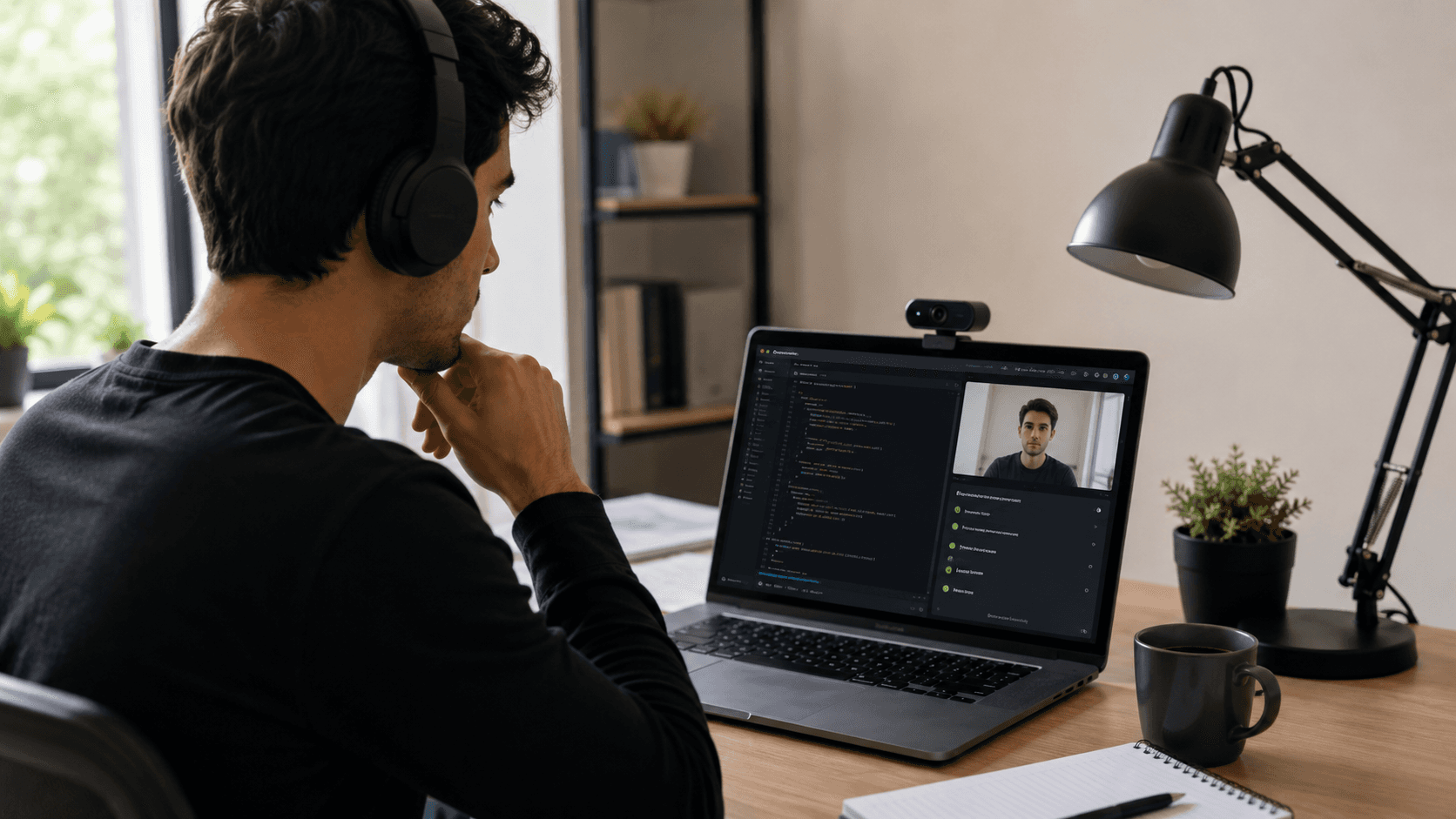
Not Just Your Screen: Behavioral Signals Are Now Part of Assessments
Modern coding assessments are no longer focused only on whether your final solution passes every test case. Many hiring platforms now analyze behavioral patterns alongside technical performance to better understand how candidates work during remote interviews. That does not automatically mean companies are trying to “spy” on applicants. In most cases, employers simply want more confidence that the assessment reflects the candidate’s real skills and workflow.
What Platforms Commonly Monitor
Signal | Why Companies Track It |
|---|---|
Browser switching frequency | Potential distraction or policy violations |
Idle time | Engagement and workflow consistency |
Typing rhythm | Suspicious copy-paste behavior |
Repeated tab changes | Possible external searching |
Webcam movement | Identity verification |
Audio environment | Collaboration rule enforcement |
These systems are often less dramatic than candidates imagine. Not every company tracks all of these signals, and different assessment platforms follow different monitoring policies. For example, some companies may only record screens and webcams, while others use AI-assisted proctoring systems that flag unusual activity patterns for human review later.
That distinction matters. In many situations, a flagged behavior does not mean automatic disqualification. A candidate briefly looking away from the screen, pausing to think, or accidentally switching tabs once is usually not treated as suspicious on its own. Most systems look for repeated or highly inconsistent behavior patterns rather than isolated mistakes.
The important thing is understanding that most companies care more about trustworthiness and communication than robotic perfection.
Clipboard Activity and Copy-Paste Detection 📋
One of the biggest changes in modern coding assessments is how platforms monitor clipboard activity and code insertion behavior. Many technical interview systems can now detect large pasted code blocks, repeated copy-paste actions, rapid insertion of fully completed solutions, and even unusual switching patterns between browser-based editors and external IDEs. This has become increasingly common across remote hiring environments, especially for companies trying to maintain assessment integrity at scale.
The goal is usually not to punish candidates for every pasted line of code. Instead, employers want to distinguish genuine problem-solving from simply dropping in prewritten answers. Companies are often more interested in understanding how candidates think through problems than whether they can instantly produce a perfect solution from memory.
Common Behaviors Platforms May Flag
Behavior | Why It May Be Reviewed |
|---|---|
Large pasted code blocks | Possible external solution usage |
Repeated clipboard activity | Potential answer sharing or AI assistance |
Instant full-function insertion | Lack of visible reasoning process |
Frequent IDE switching | Possible off-platform coding |
Minimal typing with rapid completion | Unusual workflow inconsistency |
There is also an important nuance many candidates miss: copy-pasting is not always forbidden. Some companies explicitly allow documentation, syntax references, utility snippets, or boilerplate setup code. The real issue is usually undisclosed external assistance during an assessment.
Platforms like HackerRank and Codility openly discuss integrity measures in their public documentation, so candidates should never assume monitoring policies are hidden.
To reduce stress, carefully read assessment instructions before starting, clarify which resources are allowed, and practice solving problems directly inside browser-based coding editors instead of relying entirely on local development environments.
Eye Movement, Focus Changes, and Attention Tracking 👀
Some remote assessment systems now analyze attention-related behavior during coding interviews and online technical tests. Depending on the platform, this may include frequent off-screen glances, multiple monitor usage, long periods looking away from the screen, or sudden disappearance from webcam view. These tools became more common as remote hiring expanded and companies searched for ways to recreate supervised testing environments online.
For candidates, this can sound intimidating at first. However, it is important not to interpret every monitoring feature as aggressive surveillance. AI-based attention tracking is far from perfect, and many hiring platforms still rely on human reviewers to evaluate flagged sessions rather than automatically rejecting candidates. In practice, normal human behavior is usually not treated as suspicious on its own.
Looking away briefly to think, stretching during a long assessment, reading a question carefully, or adjusting your seating position are all common behaviors. Most systems are designed to detect repeated inconsistencies or unusual patterns rather than isolated moments of distraction. In fact, nervous candidates often overestimate how aggressively they are being monitored during technical interviews.
How to Reduce Stress Naturally
Tip | Why It Helps |
|---|---|
Use a clean desk setup | Reduces visual distractions and unnecessary suspicion |
Disable unnecessary notifications | Prevents accidental tab switches and interruptions |
Avoid second monitors if unclear | Keeps your setup aligned with assessment rules |
Tell interviewers upfront if you need accommodations | Creates transparency and reduces misunderstandings |
The goal is not to sit completely motionless for an hour. Companies generally want candidates to stay focused, communicate clearly, and complete assessments in a consistent and trustworthy way.
Your Problem-Solving Process Matters More Than Final Code 💡
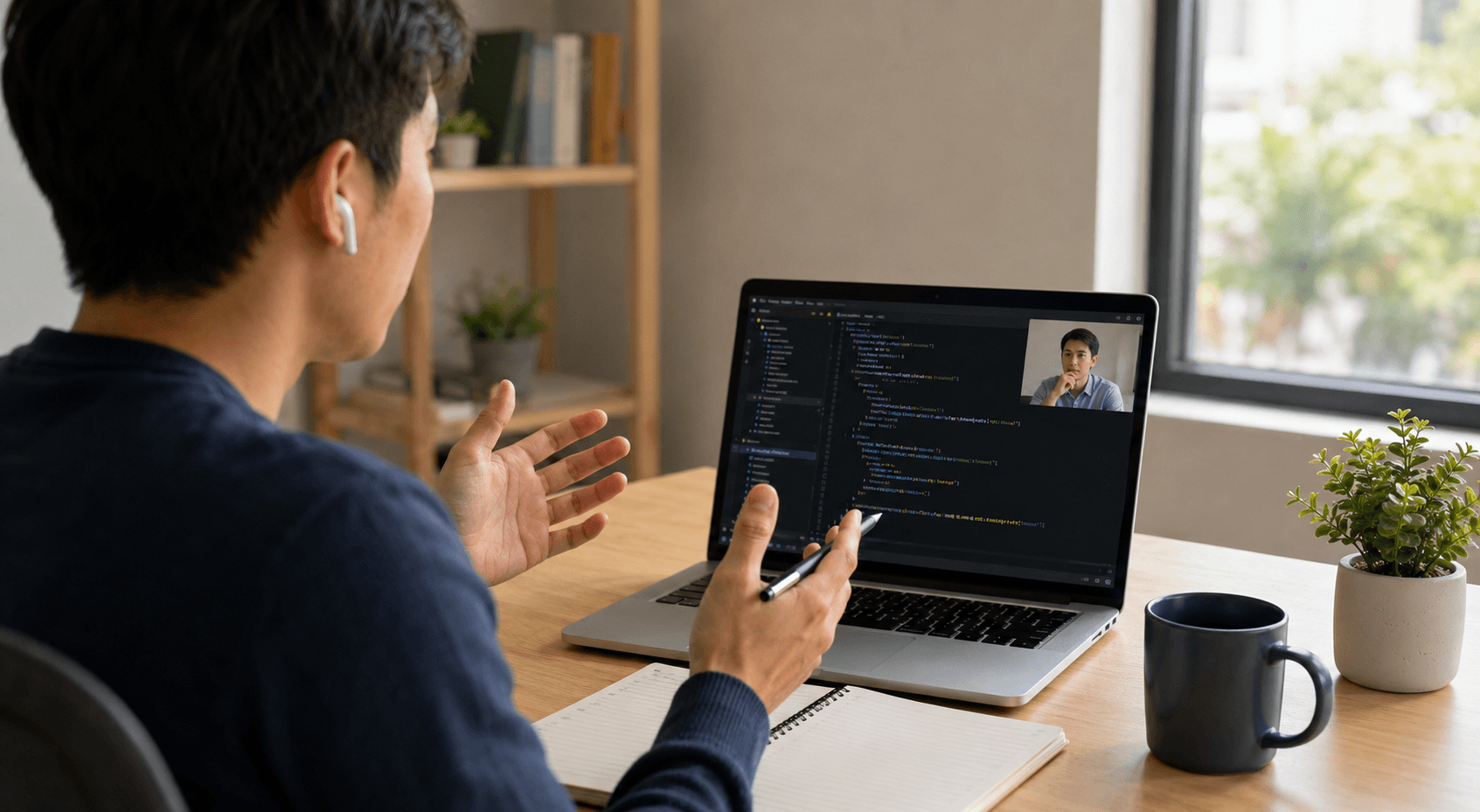
One of the biggest misconceptions about coding interviews is that companies only care about whether your final solution is perfect. In reality, many modern engineering teams pay even closer attention to how candidates think through problems while coding. As remote technical hiring becomes more advanced, interviewers increasingly evaluate reasoning patterns, communication habits, debugging approaches, and decision-making under pressure.
That means candidates are often being assessed on much more than syntax accuracy or algorithm memorization. Interviewers may look at how you approach ambiguous requirements, whether you break problems into manageable steps, how you respond to failed test cases, and whether you can explain tradeoffs clearly while coding.
What Interviewers Actually Want to See
Strong Signal | Weak Signal |
|---|---|
Perfect but unexplained solution | Silent coding |
Clear reasoning | Random trial-and-error |
Structured debugging | Panic rewriting |
Asking clarifying questions | Guessing requirements |
This is why some candidates struggle even when their technical skills are solid. Under pressure, many people stop communicating entirely and focus only on finishing the problem as quickly as possible. Unfortunately, silence often makes it harder for interviewers to understand how the candidate thinks.
Clear communication does not mean delivering polished speeches every few minutes. Simple explanations like “I’m testing this edge case,” or “I think this tradeoff improves readability but increases memory usage,” can significantly improve interview performance.
Some candidates now use tools like Sensei AI during mock interview preparation to practice explaining technical reasoning in real time and become more comfortable communicating during live coding sessions. Used correctly, preparation tools like these are less about shortcuts and more about building confidence before high-pressure interviews.
Try Sensei AI for Free
AI Detection Is Becoming More Common (But Also More Complicated) 🤖
As AI coding tools become more powerful, companies are paying closer attention to how candidates complete technical assessments. Many hiring platforms are now experimenting with ways to identify AI-generated answers, especially during remote coding interviews where external assistance is harder to control. This has created growing anxiety among candidates who worry that even legitimate work could be flagged incorrectly.
Some companies attempt to detect patterns such as instant perfect solutions, unusually polished explanations, sudden changes in coding style, or nearly identical outputs submitted by multiple candidates. The idea is to identify situations where answers may not reflect the candidate’s actual understanding or communication ability.
At the same time, AI detection remains far from perfect. Strong engineers can naturally write clean, optimized code quickly, especially if they have deep experience with common interview patterns. False positives also happen, particularly when multiple candidates independently arrive at similar standard solutions for popular algorithm problems.
Because of that, many experts believe the future of technical hiring will move toward AI-aware hiring rather than trying to ban AI entirely. Companies increasingly recognize that AI tools are becoming part of real-world software development, just like documentation, Stack Overflow, or collaborative debugging workflows already are.
The Smarter Approach
Better Long-Term Strategy | Why It Matters |
|---|---|
Learn concepts deeply | Improves adaptability during interviews |
Use AI for practice and feedback | Builds confidence without dependency |
Avoid relying on AI during live assessments | Preserves authentic communication |
Focus on explaining decisions clearly | Demonstrates real understanding |
Some candidates also use environments like the Sensei AI Playground to rehearse behavioral questions, review technical explanations, or practice discussing system design decisions before actual interviews. Used thoughtfully, AI preparation tools can support learning without replacing genuine problem-solving skills.
Practice with Sensei AI
Communication Signals Are Quietly Being Evaluated Too 🎤
Even highly technical coding assessments increasingly evaluate communication quality alongside raw programming ability. This is true not only during live interviews, but also in asynchronous assessments where candidates record explanations, leave written comments, or walk through their reasoning during debugging tasks. Modern hiring teams understand that strong engineers rarely work alone, so communication has become a much bigger part of technical evaluation.
Interviewers often pay attention to signals such as clarity under pressure, response structure, the ability to explain technical tradeoffs, collaboration style during problem-solving, and professional tone when discussing bugs or failed approaches. A candidate who calmly explains their reasoning is often viewed more positively than someone who silently rushes through code while appearing frustrated or disorganized.
This shift reflects the reality of modern software development. Most engineering work today happens in teams that depend on code reviews, design discussions, cross-functional collaboration, and shared debugging sessions. Companies are not only hiring people who can write code. They are hiring people who can communicate effectively while solving problems with others.
Small Communication Habits That Help
Habit | Why It Helps |
|---|---|
Narrate your thought process | Makes your reasoning visible to interviewers |
Pause before jumping into code | Shows structured thinking |
Admit uncertainty calmly | Demonstrates maturity and adaptability |
Explain debugging steps out loud | Reveals problem-solving methodology |
Summarize decisions clearly | Improves collaboration and clarity |
Candidates also do not need to sound perfectly polished to perform well. Interviewers usually care more about authenticity and organized thinking than rehearsed delivery. In many technical interviews, clear thinking is usually more impressive than fast talking.
The Best Way to Stay Calm During Modern Assessments 🧘
Modern coding assessments can feel overwhelming, especially when candidates know that technical performance, communication, and behavioral signals may all be evaluated at the same time. But one of the most effective ways to improve interview performance is surprisingly simple: reduce unnecessary stress before the assessment even begins.
A calm candidate usually thinks more clearly, communicates better, and recovers faster from mistakes. That matters because technical interviews rarely go perfectly. Even experienced engineers forget syntax, misunderstand questions, or hit unexpected bugs during live coding sessions. Interviewers are generally far more interested in how candidates recover from those moments than whether they avoid every mistake completely.
A Simple Pre-Interview Reset Checklist
Preparation Step | Why It Helps |
|---|---|
Test your environment 15 minutes early | Reduces last-minute technical stress |
Keep water nearby | Helps maintain focus during long sessions |
Close unrelated tabs | Prevents distractions and accidental tab switching |
Prepare clarification questions | Makes communication smoother during ambiguity |
Expect small mistakes | Reduces panic when problems happen |
Focus on progress, not perfection | Encourages steady problem-solving |
One helpful mindset shift is realizing that small pauses or typos are rarely catastrophic. Candidates often assume every moment of hesitation looks terrible to interviewers, but most hiring teams understand that real engineering work involves uncertainty, iteration, and debugging.
Preparation outside the interview can also reduce anxiety significantly. Some candidates use lightweight tools like Sensei AI’s AI Editor before the interview process to quickly improve resume clarity and better align project descriptions with specific technical roles. Small preparation steps like this can make candidates feel more organized and confident before assessments even begin.
The calmer you are, the easier it becomes to demonstrate the skills you already have.
Try Sensei AI Now!
Modern Assessments Are Evolving, But So Can Candidates
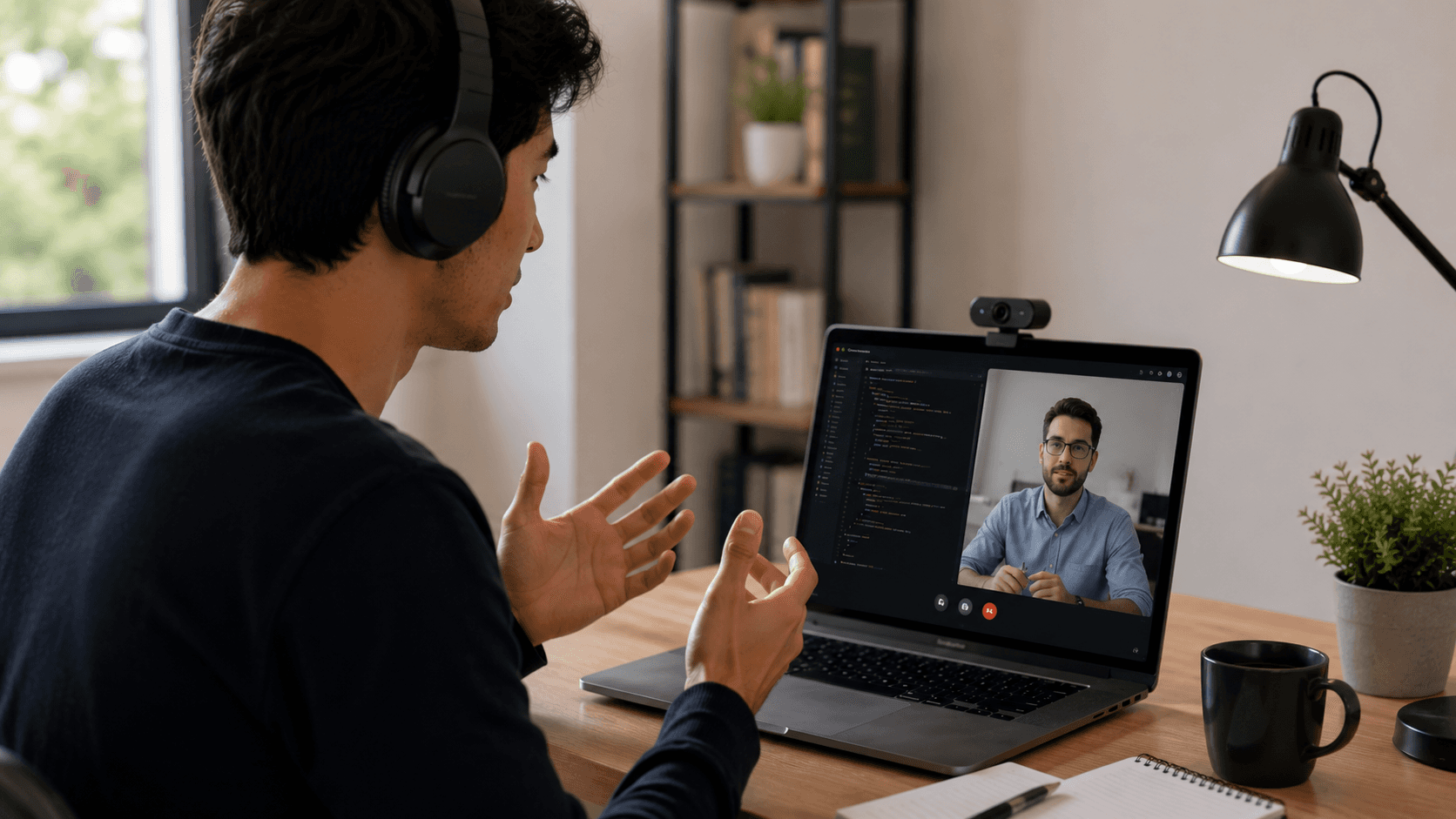
There is no question that coding assessments have become more advanced over the past few years. Modern platforms can now monitor far more than screen recordings alone, including communication habits, workflow consistency, behavioral signals, and problem-solving patterns. For many candidates, that evolution initially feels intimidating. But behind all of these systems, most companies are still trying to answer one relatively simple question:
Can this person solve problems and work well with others?
That is why authenticity usually matters more than memorized perfection. Interviewers are not only evaluating whether candidates arrive at the correct answer. They also want to see how people think through ambiguity, respond to pressure, explain tradeoffs, and recover from mistakes during technical discussions.
Communication plays a major role in that process. Calm, structured reasoning is often far more valuable than rushing toward an answer without explanation. Preparation matters too, not because it guarantees perfection, but because familiarity reduces anxiety and helps candidates perform more naturally during interviews.
The good news is that understanding these systems often makes them feel less intimidating. Once candidates know what companies are actually evaluating, it becomes easier to focus on the things that truly matter: problem-solving, adaptability, honesty, and collaboration.
The goal isn’t to look flawless on camera — it’s to show how you think, adapt, and collaborate when solving real problems.
FAQs
Are coding assessments always recorded?
Not always, but many modern coding assessments include some level of monitoring. Depending on the company and platform, this may involve screen recording, webcam verification, browser activity tracking, or behavioral analysis. Different companies use different policies, so candidates should always read assessment instructions carefully before starting.
Can candidates get rejected for looking away from the screen?
Usually, no. Most platforms understand that normal human behavior includes thinking, reading questions carefully, stretching, or briefly looking away from the screen. In many cases, systems flag repeated unusual behavior patterns rather than isolated moments. Human reviewers are also commonly involved before serious decisions are made.
Is copy-pasting always forbidden during coding interviews?
Not necessarily. Some companies allow documentation, syntax references, boilerplate code, or utility snippets during technical assessments. The main concern is usually undisclosed external assistance or submitting solutions that do not reflect the candidate's own reasoning process.
Do companies really try to detect AI-generated answers?
Some companies do experiment with AI detection systems, especially during remote technical hiring. These systems may look for unusually polished explanations, sudden coding style changes, or instant perfect solutions. However, AI detection is still imperfect, and false positives can happen.
What matters most during a coding assessment?
For most engineering teams, the most important signals are problem-solving ability, communication, adaptability, and honesty. Interviewers usually care less about flawless performance and more about how candidates think through challenges, explain decisions, and recover from mistakes.
How can candidates reduce coding interview anxiety?
Preparation helps significantly. Practicing in browser-based editors, reviewing common technical interview formats, preparing clarification questions, and setting up a clean interview environment can all reduce stress. Many candidates also perform better when they focus on steady progress instead of trying to appear perfect throughout the entire assessment.

Shin Yang
Shin Yang est un stratégiste de croissance chez Sensei AI, axé sur l'optimisation SEO, l'expansion du marché et le support client. Il utilise son expertise en marketing numérique pour améliorer la visibilité et l'engagement des utilisateurs, aidant les chercheurs d'emploi à tirer le meilleur parti de l'assistance en temps réel aux entretiens de Sensei AI. Son travail garantit que les candidats ont une expérience plus fluide lors de la navigation dans le processus de candidature.
En savoir plus
Série de tutoriels : Présentation de notre nouvelle extension Chrome Listener
Sensei AI vs Interviewing.io: Which Interview Tool Is Better for You in 2026?
Sensei AI vs Huru: Which AI Interview Tool Is Better in 2026?
Sensei AI vs Interview Warmup: Which Interview Practice Tool Is Better in 2026?
How Recruiters Detect AI Answers (and How to Stay Authentic)
Interview Copilot vs Traditional Interview Coaching: Which Is Better for Your Next Interview?
Best AI for Behavioral Interview Questions: 9 Tools to Practice Smarter in 2026
Google Interview Warmup Alternatives: 9 Best Tools to Practice for Interviews in 2026
How to Practice for an Interview by Yourself: A Step-by-Step Guide That Actually Works
Best AI Tools for Job Seekers in 2026
Sensei AI
hi@senseicopilot.com